Screenshots
See it in action
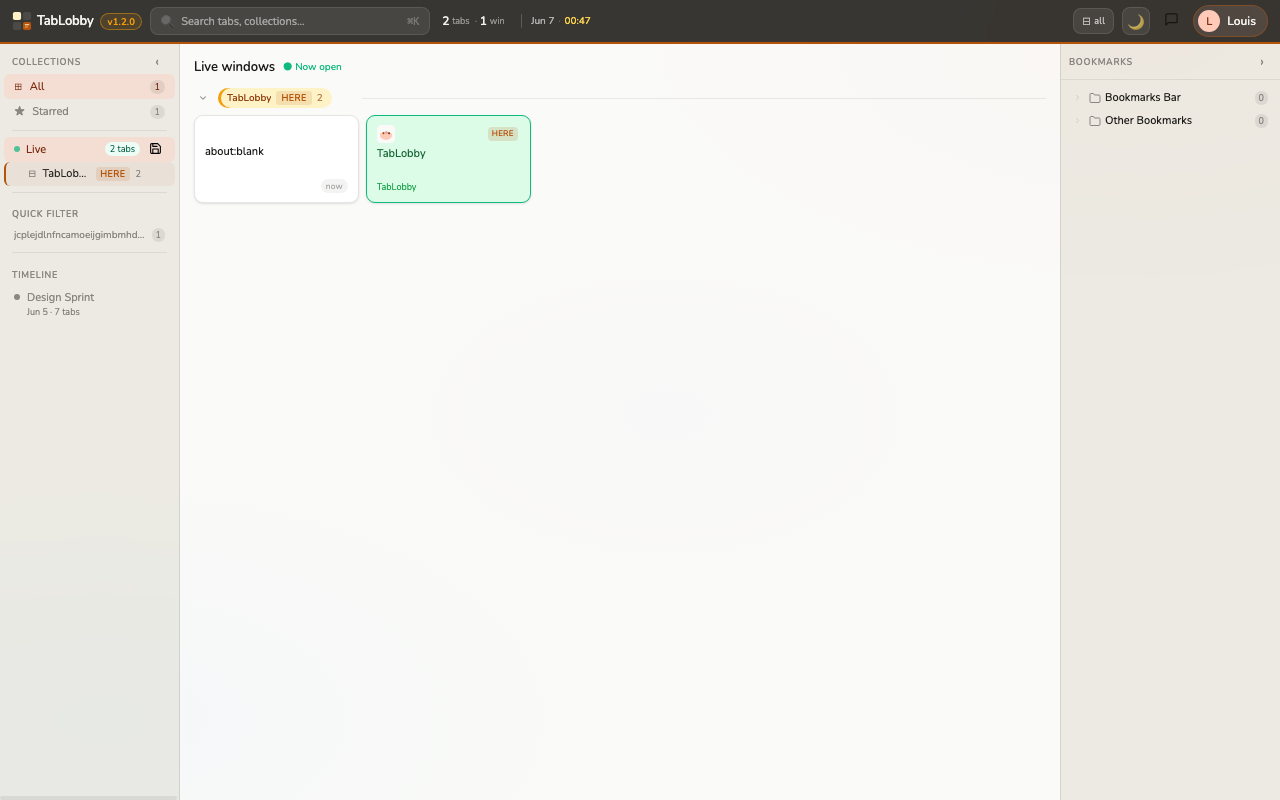
Live windows view
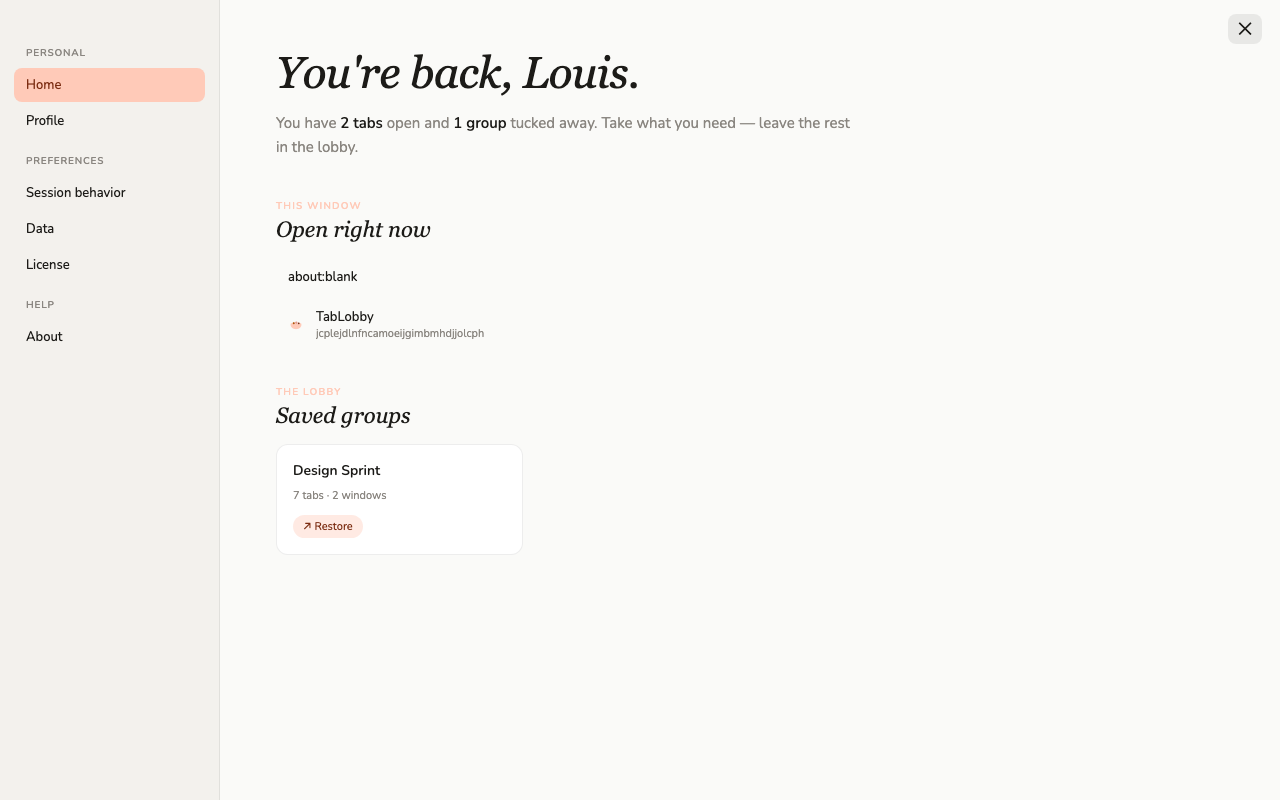
My TabLobby — personal hub
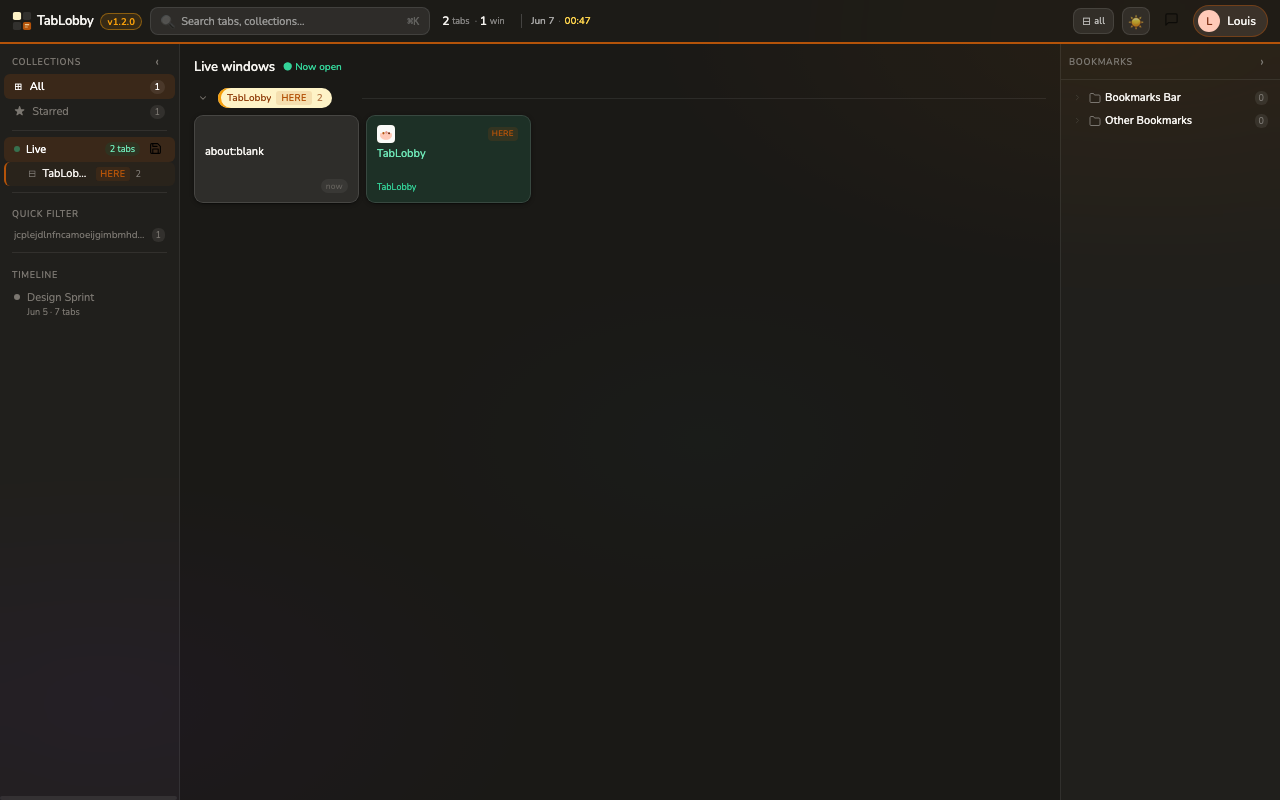
Dark mode
TabLobby replaces your new tab page with a beautiful workspace — group tabs into collections, see all live windows at a glance, and never lose context again.
Add to Chrome — It's Free See how it works ↓Powerful tab management built right into your new tab page.
Save any session as a named collection. Restore an entire workspace — all windows and tabs — with a single click.
See every open window and tab at a glance every time you open a new tab. Always know where you left off.
Each window gets a distinct color pill — amber, blue, green, pink, purple. Instantly identify your workspace context.
Jump to any tab, collection, or saved session instantly. Works across live tabs and all your saved history.
Beautiful glassmorphism design in both light and dark themes — warm peach by day, deep amber by night.
Rearrange tabs within a window or move them across windows. Full undo / redo with Ctrl+Z.
Install once — works every time you open a new tab.
Add TabLobby from the Chrome Web Store. It replaces your new tab page instantly — no setup required.
Open a new tab and see all your live windows and tabs organized beautifully in one view.
Hit 💾 to save your session as a collection. Restore it any time — perfect for multi-project workflows.
Free to install. No account required. Works on Chrome and Chromium-based browsers.
Add to Chrome — Free